Analemma
Web tool that allows visualizing solar and lunar trajectories from any geographic location.
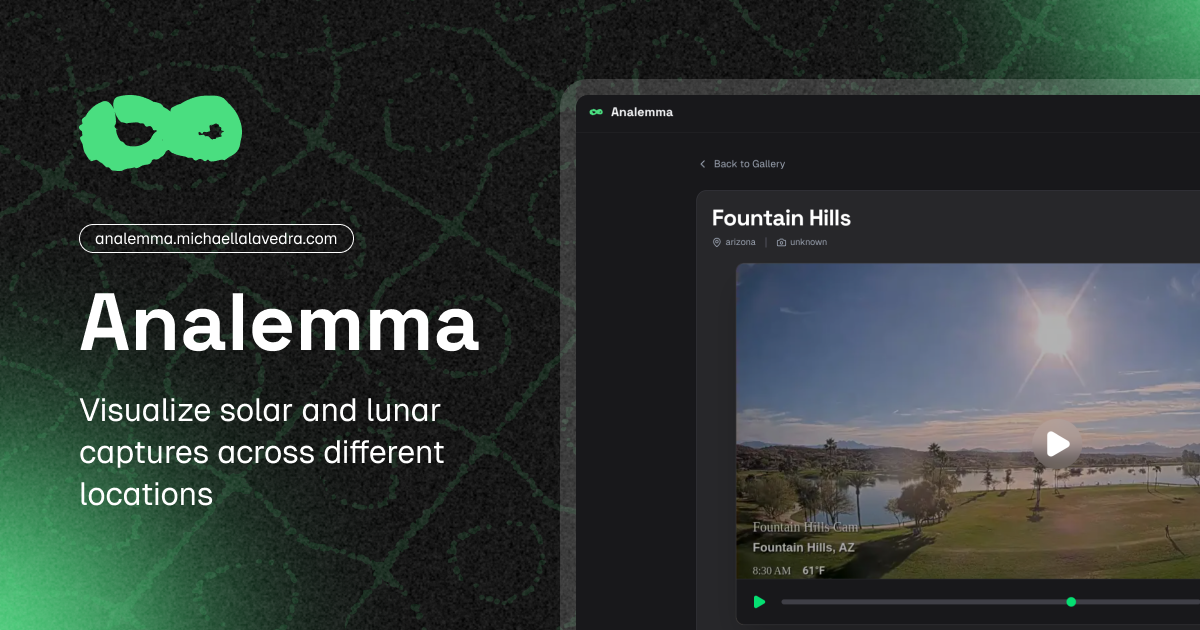
A complete system for automated photographic capture and interactive visualization of solar and lunar analemmas.
This project automates the periodic capture of images from public webcams, generating sequences (timelapses) that evidence the apparent movement of the Sun and the Moon over time. Images are captured at precise astronomical moments using GitHub Actions and then consumed in a high-performance Modern Web Viewer (PWA). The entire system works without requiring traditional databases, relying on the file system of a Git repository.
Software Architecture
To maintain maintainable, scalable, and testable code, the core of the photographic orchestrator (src/) has been structured strictly following the precepts of Clean Architecture and Domain-Driven Design (DDD).
1. Domain Layer
It is the heart of the software. Pure business rules reside here, independent of any framework or external infrastructure:
- Entities (
Location,Camera): ALocationencapsulates geographic data (country, state, city) and generates dynamic identifiers. ACamerais linked to aLocationand maintains its cardinal orientation. - Value Objects: Objects like
CelestialObjectstandardize the domain vocabulary. - Contracts (Interfaces): Abstractions like
ScheduleRepositorythat define how the domain expects to obtain or persist data.
2. Application Layer
Contains the main use cases. It acts as the orchestrator that coordinates the Domain and Infrastructure to fulfill the system’s requirements.
Scheduler: It’s in charge of checking the scheduled times for eachLocation. If the current execution time matches (or is within the threshold) of a scheduled capture, it coordinates with the corresponding capture service to obtain the image.
3. Infrastructure Layer
Where the code interacts with external services, I/O, and frameworks:
- Capture Services: Puppeteer is used (
PuppeteerCaptureService) to visit public webcam websites, wait for multimedia components to load, and cleanly extract frames (screenshots) from the video stream or canvas without including the web interface. ConfigScheduleRepository: A dynamic repository that uses configurations to calculate precise capture times at the coordinates of eachLocationregistered insrc/config/locations.ts.
Orchestration Cycle
The orchestrator is designed to run cyclically via GitHub Actions, optimizing resources through a cronjob.
sequenceDiagram
    participant GH as GitHub Actions (Cron)
    participant App as Scheduler
    participant Repo as ConfigScheduleRepository
    participant Cam as PuppeteerCaptureService
    participant FS as File System / Git

    GH->>App: Executes hourly cycle (minute 0)
    App->>Repo: Consults capture hours for the day
    Repo-->>App: Returns { sun: '12:05', moon: '03:45' }
    App->>App: Evaluates if system time (America/La_Paz) matches

    alt Matches Solar event in threshold
        App->>Cam: Launches Puppeteer Headless
        Cam-->>App: Extracts and returns image buffer (Screenshot)
        App->>FS: Saves file in 'captures/sun/{location}/{camera}/{YYYY-MM-DD}.jpg'
        GH->>FS: Performs Git Commit and Push to repository
    end
Configuration and Environment Variables
The system relies on centralized configurations, requiring very little to run. The main thing is temporal synchronization.
| Variable | Description |
|---|---|
TZ | Critical: Ensures the time zone configuration in America/La_Paz (UTC-4). The application uses this anchor to synchronize and compare expected astronomical schedules with the hourly cronjob. |
Web Viewer
This is an interactive web application specifically designed to fluidly visualize tens of thousands of photographic captures (timelapses) generated by the project’s main orchestrator, showing the paths of the Sun and the Moon over long periods of time.
UI Architecture and User Experience (UX)
The web application has been conceived to provide superior performance, especially when handling a large volume of high-resolution images without compromising memory or browser fluidity.
Fluid Transitions
A navigation is implemented that intercepts user clicks and dynamically loads the next page in the DOM without reloading the full screen. This ensures that the interface state, such as the visual theme or main navigation, remains uninterrupted.
Dark Mode Persistence
The dark/light color scheme is detected from the system and maintained consistently across user sessions. Thanks to synchronization with page transitions, there are no visual flickers when navigating between different views.
The Heart of the Viewer: The Player
A critical challenge when visualizing thousands of images (e.g., an annual Analemma has 365 high-resolution frames) is the collapse of the end user’s device memory. To mitigate this, the image player relies on a lightweight and optimized architecture:
stateDiagram-v2
    [*] --> Initialization: Load dataset URLs
    Initialization --> BufferedLoading: Pre-load first image (Preview)
    BufferedLoading --> BackgroundLoading: Progressive batch loading
    BackgroundLoading --> Ready: Minimum threshold reached (e.g., 20%)
    Ready --> Playback: User starts playback
    Playback --> Tick: Updates image based on FPS
    Tick --> UpdateFrame: Renders next frame
    UpdateFrame --> Playback: Loop if more frames
1. Asynchronous Buffered Loading
Instead of forcing the browser to download all images before allowing interaction, the player starts a background process that downloads images in small asynchronous batches. Playback is enabled once a minimum percentage of frames is already available locally, preventing visual blocks.
2. Dynamic Speed Control
The user has full control over the playback speed, which can be adjusted in real-time. The player instantly recalculates the transition intervals between frames (FPS) without interruptions.
Indexing without Relational Databases
The entire system is designed to dispense with complex infrastructures like SQL or NoSQL databases.
Instead, the web viewer directly indexes the static folder structure where the images reside (captures/) during the build process:
graph LR
    A["Build Process"] -->|File system reading| B(Static directory 'captures/')
    B --> C{Parses hierarchical structure}
    C -->|Classification by location and camera| D[Groups photographic sequences]
    D --> E[Generates JSON metadata index]
    E -.->|Feeds web views| F(Rendering and UI Filters)
This lightweight index is consumed by the web interface, allowing fast and precise filters to be applied on the client side without requiring additional network requests or latency.
Ready for Mobile and Offline Devices
The web viewer incorporates advanced features to maximize its reach:
- Optimized Metadata to ensure that links shared on social networks include representative images and descriptions.
- Configured as a Progressive Web App (PWA), allowing its direct installation on devices.
- Basic Offline Mode, implementing cache policies via a Service Worker to offer a continuous experience even with unstable networks.
- Self-hosted Typographies, avoiding additional load times or dependencies on external servers.